Top 10 Firewall Software Review
#1 ZoneAlarm PRO Firewall 2012                                                
Review date:06.20.2011

Description:

Protect yourself with the best multi-layered firewall technology around. Simple to install (step-by-step installation wizard gets you up and running in minutes). Easy to use (comes with default security settings for "out-of-the-box" protection). Combines the firewall with identity protection and anti-spyware software. Intelligent protection. Enables to block and detect the latest attacks.

Screenshots

Price:

$29.95


Advanced Features:

  • File size: 47 MB
  • License can be used on up to three PCs
  • Free version upgrades
  • Two-way Firewall
  • Wireless PC protection
  • Multi-layered security for your PC
  • Quarantine suspicious attachments
  • Compatible with anti-virus software
  • Complete Package

Review:

The latest release improves the operating system firewall and applies more robust spyware detection and removal functions.
  • Synchronization of system protection
  • AlertAdvisor helps you by automatically setting program access rights for you
  • Includes an antivirus scanner and new antispwyare tools
  • A robust, powerful firewall with lots of new features
  • Allows to assign different security levels
  • Prevents intrusions with professional-grade firewall
  • Manages and blocks pop-up ads, online profiling, cookies
  • Perfect for anyone concerned about online privacy
Best of all, fully compatible with major antivirus software and Windows operating systems. Besides, ZoneAlarm Pro's documentation is well organized, making it easy to find answers fast. Overall, ZoneAlarm Firewall 2012 Pro is a great product that will keep your computer safe from intrusions and online Internet threats.
#2 F-Secure Internet Security 2011                                            
Review date:05.18.2011

Description:

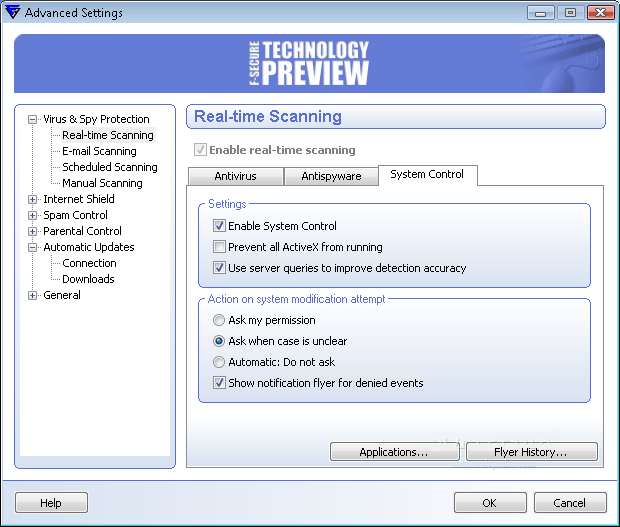
Today a huge amount of computers around the world are still unprotected against threats spreading through the Internet. You can keep your private data to yourself with the personal firewall that stops hackers from breaking into your computer. This advanced firewall provides a complete and easy-to-use protection against Internet threats. Ensures a good protection against all new threats. Clean user interface. Phone support available.

Screenshots

Price:

$59.99


Main Features:

  • Reputation-based detection
  • Tells you which websites are safe in real-time
  • Includes a web surfing time lock for children
  • Detects and removes rootkits
  • Prevents malicious dialer programs from using your connection
  • Enhanced Anti-Spam tool
  • Helps you stay free from spam email

Review:

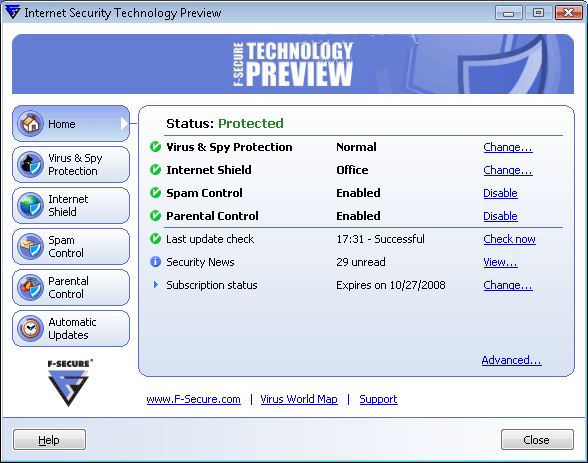
F-Secure Internet Security 2011 provides maintenance free, easy-to-use solutions for computer security
and virus protection that you need in order to ensure safe and easy online surfing.
  • Receives high scores from independent experts
  • Enables you o stay free from spam e-mail
  • Protects your computer against viruses, worms, rootkits and zero-day attacks
  • Enhanced usability through flexible product configuration
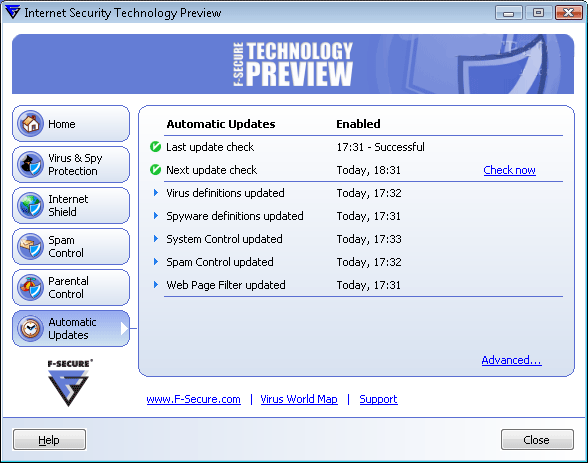
  • Automatically distributes new spyware and virus signatures to your PC
  • Detects and removes security threats
  • Supports Windows XP, Vista (64 and 32-bit)
F-Secure DeepGuard, a new technology, constantly monitors the heart of your computer, ensuring that no malicious programs can take over your computer. It filters unwanted spam and phishing attempts from your email. The installer gives an option to choose from F-Secure Internet Security 2011 or F-Secure Anti-Virus installation.

F-Secure Internet Security is a good personal firewall protection software. It includes an antivirus and an improved anti-spyware.
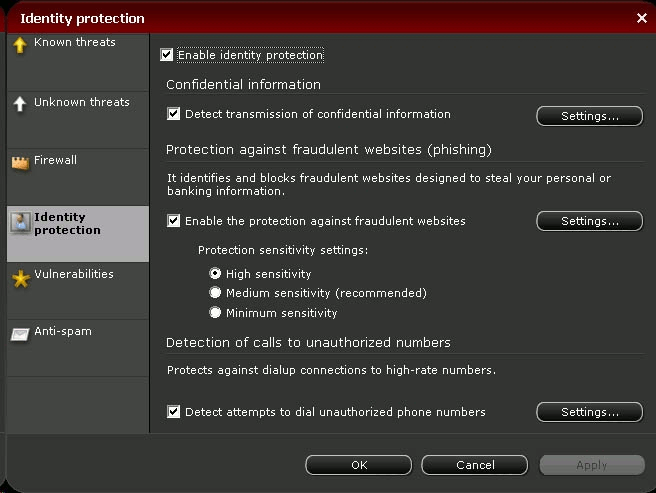
#3 Panda Firewall - Global Protection 2011                              
Review date:02.27.2011

Description:

Designed for home and small office settings, Panda Firewall software provides both a reliable solution to intrusion prevention and a personal firewall for individual PCs.

Screenshots

Price:

$55.99

Software Summary:

This complete security suite detects in real time, making the product safer and faster. Cons: expensive and poor antiphishing detection rate.


Main Features:

  • Secure remote access
  • File encryption
  • Home network management
  • Redesigned new version
  • Filtering network traffic
  • Monitors your Internet connections
  • Web Traffic Scanning
  • Simple configuration
  • Supports packet filtering
  • Firewall with Trojan protection

Review:

Using a private network, Panda Firewall 2011 protect your computer of threats coming from internal users.
  • Online FAQs. Downloadable user guide
  • POP3, IMAP and SMTP traffic are scanned for viruses
  • Search function to search the intruders, applications and filters list.
  • Wizard to create rules for applications and to create filters.
  • Monitor inbound and outbound packets and be alerted to suspicious traffic
Panda Firewall - Global Protection 2011 uses minimal resources of the system where it will be installed (Windows XP or later - 275MB free hard disk space). In addition, this application constantly adapts its behavior based on network traffic analisys in order to build the best defence for your computer and keep your system running smoothly.

#4 Norman Personal Firewall                                                     
Review date:04.15.2011

Description:

The program is operating as soon as it is installed. It enables to defend your computer or laptop against the majority of intrusion techniques used by intruders. In addition to that, you can specify whether you want for well-know applications to be created automatically as they are required for the first time.

Screenshots

Price:

$25.46

Software Summary:

Enables to protect your system against spyware and other threats.


Main Features:

  • Attack detection
  • Network rules
  • Quite easy to use
  • File and registry activity
  • Event viewer
  • Used ports
  • Web Traffic Scanning
  • Simple configuration

Review:

Lists each application and process that has active connections
  • Automated definition of security configurations
  • Scans your system and adjusts all its settings without your supervision.
  • Search function to search the intruders, applications and filters list.
  • Is available for your free evaluation.
  • Allows product to create necessary rules automatically. Displays detailed statistics.
An online help provides information on interface, settings, and functionality. Norman Firewall is available both for 32-bit and 64-bit versions of operating systems. Note: You have to uninstall any other firewall software on your computer and reboot before using the Norman Personal Firewall.

#5 NeT Firewall 2011                                                                     
Review date:09.27.2010

Description:

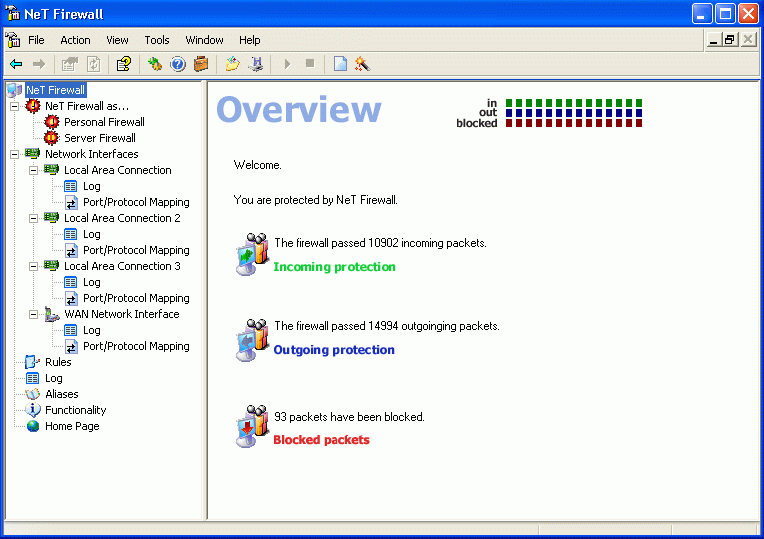
NeT Firewall 3.0 is an effective solution for protecting your system or local network from external and internal threats and malicious acts without limiting network capabilities. Only the data permitted by security policy in use are passed along.

Screenshots

Price:

$49.95 (1 to 9 licenses)

Software Summary:

Don't change public IP address for NAT manually if it is not necessary for proper NAT working.


Main Features:

  • Custom filter rules
  • Three levels of stealth security
  • Port mapping availability
  • Comprehensive stateful firewall
  • Current version: 3.0

Review:

All packets are blocked in emergency level, regardless of security rules in use.
  • Enables to be more secure than application-based personal firewalls
  • Monitors activity at the Transport Driver Interface
  • Pre-loaded security settings provide easy, instant protection
  • Easy to install and use
  • Stateful Inspection firewall technology
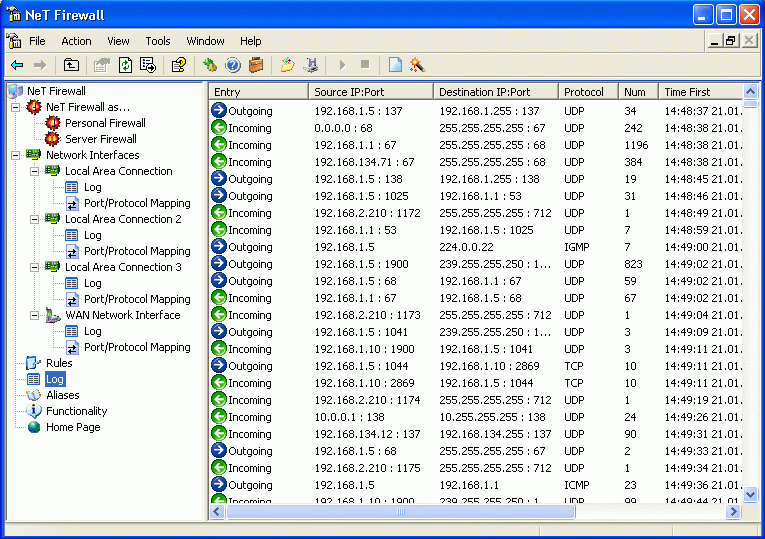
NeT Firewall implements complete network traffic monitoring cycle on your system as well as it allows viewing and sorting traffic. It allows enabling and disabling access to your personal computer resources such as files and printers, mail services and web-server.

#6 ESET Smart Security 4 - Firewall                                             
Review date:02.28.2011

Description:

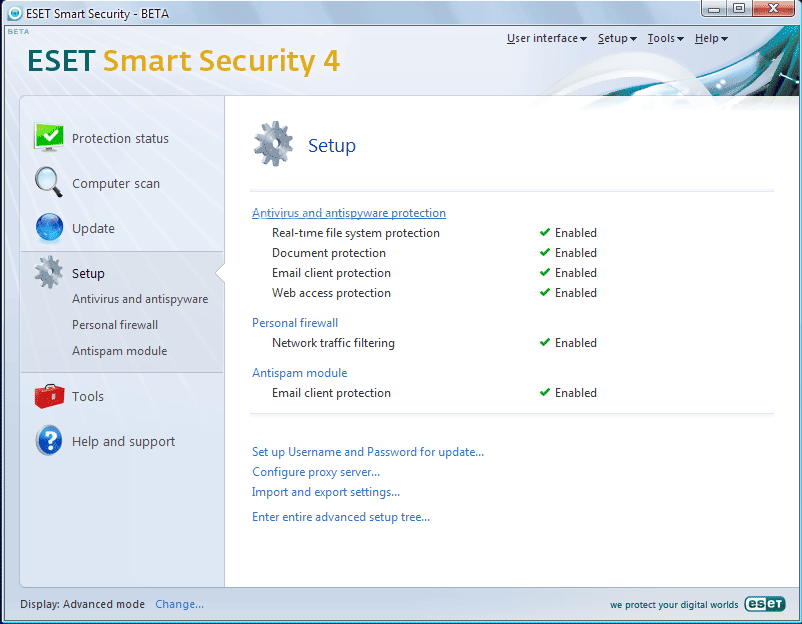
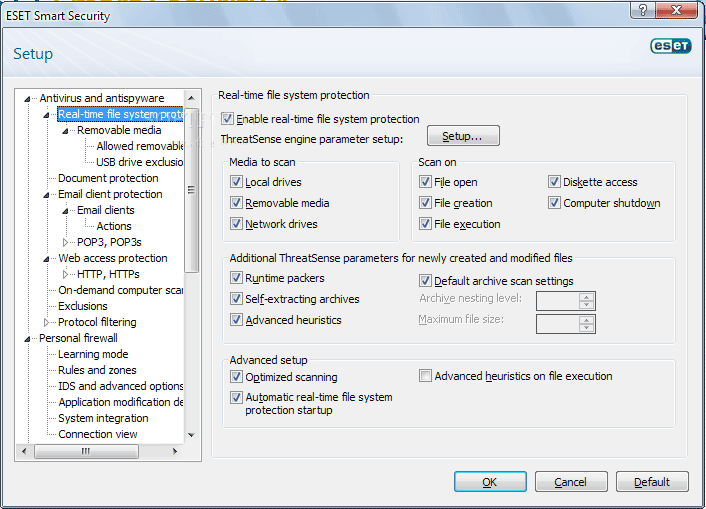
Eset Smart Security protects you from viruses, worms, spyware, and all Internet threats; also blocks spam and includes personal firewall. The best way to constantly monitors and defends your PC from internet attacks.

Screenshots

Price:

$59.99

Software Summary:

ESS's firewall offers three security modes to choose from depending on your security preferences.


Main Features:

  • Effective runs smoothly
  • Proactive Security
  • Firewall Protection
  • Fast Scanning Speeds

Review:

It analyzes each application behavior and detects any suspicious activity before allowing internet access.
  • Light on system resources
  • Combines multiple layers of detection protecting you from Internet threats
  • Designed to block all attempts to disable protection
  • Port scan detection denies access to intruders
  • Protects you against the most nefarious cyber-threats attempting to gain access to your PC and personal details.
  • Recognized for having zero false positives
ESS builds upon the latest version of the company's NOD32 ThreatSensescanning engine by augmenting it with firewall and spam filtering.

#7 Rising Firewall 2011                                                                 
Review date:04.15.2011

Description:

There are many ways in which a user can find protection. Designed to protect your computer from online attacks, Rising firewall alerts you on all events without the hassle of being prompted to monitor your PC's traffic. It starts running in the background and provides an additional layer of security.

Screenshots

Price:

$19.95

Software Summary:

Makes your computer invisible on the Internet. However, no ability to configure perpetual logging.

Advanced Features:

  • Integrated Trojan shield
  • IP rule setting
  • ARP spoofing defense
  • Automatic update
  • System vulnerability scanning
  • Network data protection
  • Intercepts phishing website
  • File size: 16.41 MB
  • Free trial

Review:

The latest release enables to filter IP packages with user defined rules.
  • Multiple hosts have to be individually configured.
  • The process of downloading the software is easy and smooth.
  • Enables to monitor inbound and outbound traffic.
  • The configuration interface is intuitive: it lets you choose how much or how little you want to see
  • A good alternative to the Windows Firewall: it doesn't slow down your computer.
Tailored to provide effective protection against Internet threats and unwanted programs, Rising Firewall also supports multiple users. And you can choose a pre-defined security policy through the rule set. This means that each entry can be associated with specific rule.
#8 Outpost Firewall Pro                                                                
Review date:04.15.2011

Description:

Designed specifically to monitor incoming and outgoing packets, Outpost 7.0 offers an automatic update function and enables to stop malicious software. The version is available in both paid and freeware versions. Release date: February 4, 2011. Size: 28.3 MB

Screenshots

Price:

$49.95

Software Summary:

The latest version 7.0 offers a line of defense against malicious software by controlling each application.

Main Features:

  • Full stealth mode
  • Plug-in support
  • Surfing privacy protection
  • Packet filtering. Log viewer
  • Detects intruder attacks
  • Activity tracker in real time

Review:

Enables to block access to unwanted web sites based on a detailed list of suspect URLs.
  • Allows you to block unknown viruses and data theft.
  • Specify action can be performed in case of changing critical systems objects.
  • Monitors program activity blocking attempts by malware to operate directly.
  • USB devices instant check and heuristics analyzer module.
  • Detailed quarantine area.
Thanks to the two-way firewall, Outpost 7.0 is able to monitor each inbound and outbound connections and prevents any remote unauthorized network access. Besides, it can detect most spam messages with minimal false positive. Supports all popular versions of Windows.
#9 Online Armor Premium                                                           
Review date:04.15.2011

Description:

You can select policy that will be applied when the progam starts without your interaction. Besides, You can manually start the application at any time. Download size: 20 MB

Screenshots

Price:

$40.00

Software Summary:

Don't change public IP address for NAT manually if it is not necessary for proper NAT working.


Main Features:

  • Version 5.0
  • Autostart protection
  • Program Guard
  • Support forum
  • Fully GUI

Review:

Designed to be easy-to-use. Includes HIPS (Host-based Intrusion Prevention) functions.
  • Monitors a single host for suspicious activity.
  • Offers DNS-spoofing and keylogger protection
  • Runs on Windows XP SP3 Vista SP2 and 7
  • Provides protection from inbound threats
  • Protects from and keylogging and phishing techniques
Note: Online Armor doesn't runs Windows 98/Me and Windows Vista 64.

#10 BitDefender                                                                              
Review date:04.15.2011

Description:

Sometimes, it is important to know your protection status and to quickly define the mode each security module is in. BitDefender Total Security 2011 does everything one expects from the software. Ability to install it on three separate computers.

Screenshots

Price:

$49.95

Software Summary:

Interface can be set at basic, intermediate or expert. Easy to do.


Main Features:

  • Home network management
  • Surf alert
  • Online backup: up to 2GB
  • Chat encryption

Review:

The software enables you to keep the protection level at aggressive, default or permissive.
  • Enables to scan IM (instant messaging) traffic in real-time
  • Your email can take three to four times longer than normal to work
  • Designed to block all attempts to disable protection
installation may take about 40 minutes (deep scan). Poor customer service.

2011 Top 10 Firewall Comparisons
  • One of the main reasons for installing personal firewall software is to help protect against remote intrusion as well as outgoing attempts.

    Here, we rank the best firewall with side-by-side comparisons, so you can decide which software will fit your needs.


Top 10 rated Firewall - free and shareware
    1. PC Tools Firewall Plus
    2. Advanced Armor2net personal firewall software
    3. Ntcompatible Firewall for XP and XP64bit
    4. iSentryIII Content Filtering (free trial)
    5. InJoy Firewall - Windows
    6. Kerio Personal Firewall
    7. Firewalls - FAQ
    8. Automatic Firewall Script
    9. SecurWall
    10. Terminet Personal Firewall

Anonymizer Universal - Surf the Web anonymously, encrypt Wi–Fi connections, and secure all your online activities. The best way to protect your PC against pharming threats by routing all of your Internet traffic through our hardened, secure servers. Free trial version.

GFI Software - Leading developer of network security, content security and messaging software. Its product range includes email content exploit checking and anti-virus software; security scanning and patch management tools.

Security Scanner for Home Users - Infiltrator can audit each scanned computer for improper registry settings, suspicious open ports, vulnerable services, scripting exploits, weak password policies, and computer system information.
Free Firewall software - Edition 2011
  • Personal Firewall Software - Free Edition
  • Lock n' Stop (Lite version is free)
  • Securepoint Personal Firewall
  • The best firewall is ....
  • SoftPerfect Personal Firewall
  • Webroot Desktop Firewall 5.8
  • BitDefender Free Edition
  • Privatefirewall 6.0 - Vista Compatible